7 Zoom Call Work Outfits Mistakes You Need to Fix

Your digital presence is the new first impression, yet most professionals treat their Zoom wardrobe as an afterthought. Sitting behind a screen shouldn’t mean sacrificing the sartorial edge that defined your in-person career. Transitioning your style to a rectangular frame requires a specific strategy that many high-achievers are currently getting wrong.
Virtual meetings flatten your image, often washing out textures and distorting proportions that look perfect in real life. If you feel like your professional authority is getting lost in pixels, it is likely due to subtle styling errors you haven’t noticed. Small adjustments in fabric choice and color theory can restore your visual impact instantly.
Correcting these common mistakes will ensure you look as capable and curated as your resume suggests. By refining your approach to “waist-up” dressing, you will command the virtual room without saying a word. Let’s fix these seven common blunders to ensure your style remains unshakeable in every calendar invite.
1. The “Business on Top, Pajamas on Bottom” Psychological Trap

While nobody sees your lower half, your brain knows exactly what you are wearing. Donning sweatpants or pajama bottoms creates a subconscious shift toward relaxation that can dull your professional edge. This cognitive dissonance often leads to a less focused delivery during high-stakes presentations.
Investing in comfortable yet structured trousers or a knit skirt changes your physical posture and seated alignment. When you feel fully dressed, your body language naturally becomes more authoritative and alert. Avoid the temptation to stay in loungewear; the psychological boost of a complete outfit is a secret weapon for productivity.
The Power of Proper Footwear
Even if they are hidden under your desk, wearing a pair of loafers or sleek flats can fix your posture. Soft slippers encourage slouching, whereas structured shoes keep your feet grounded and your spine straight. This physical grounding translates into a more confident and stable vocal tone during calls.
2. Neglecting the Architectural Power of the Neckline
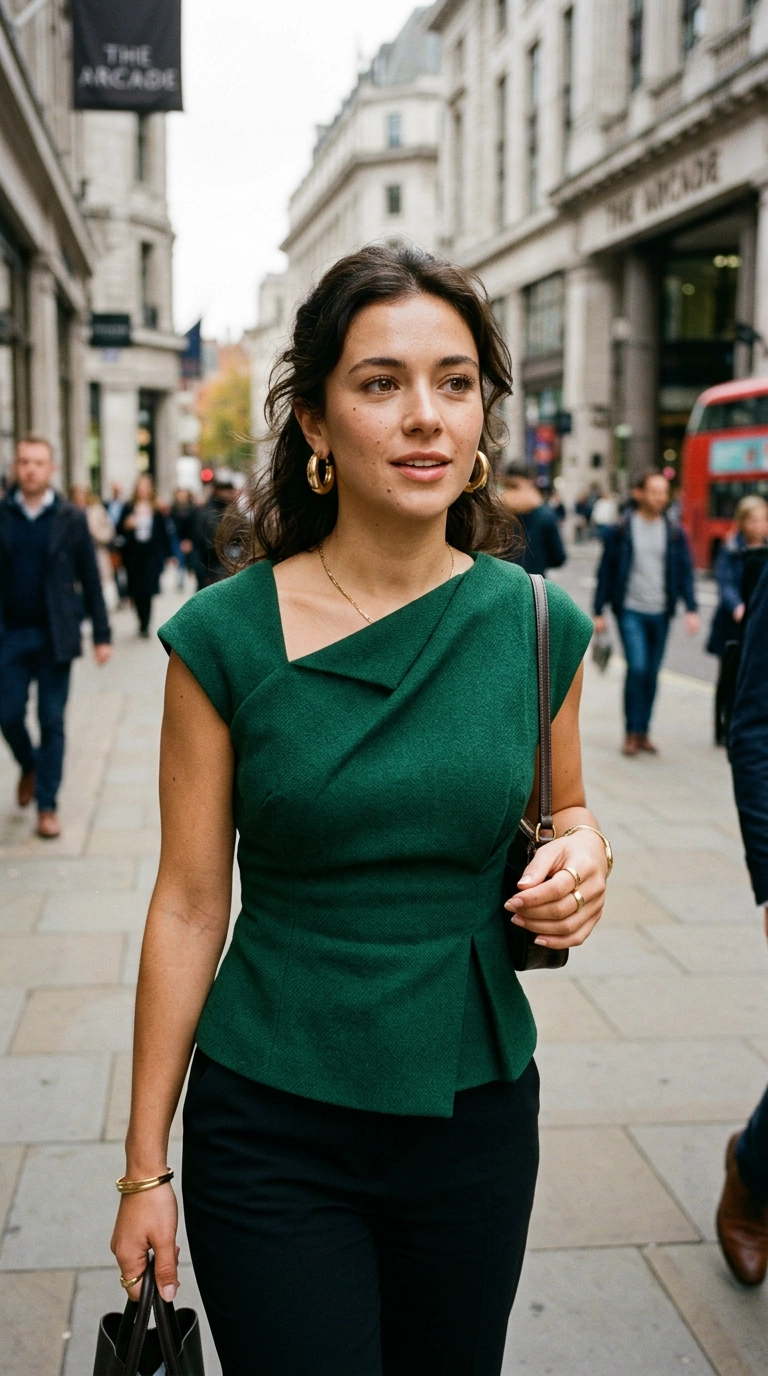
On a video call, your neckline does 90% of the heavy lifting for your entire look. Crew necks and basic t-shirts often appear too casual or “flat” on camera, making you look like a floating head. Without the context of a full outfit, these simple necklines lose their fashion-forward appeal.
Opt for necklines with architectural interest, such as a mock neck, a sharp lapel, or a sophisticated square cut. These shapes frame your face and add a layer of intentionality to your appearance. A structured collar provides a sense of formality that signals you are prepared and present for the discussion.
- Avoid: Deep V-necks that may disappear off-screen, creating an awkward “bare” look.
- Embrace: Pussy-bow blouses or structured boat necks that provide visual weight.
- Try: Layering a lightweight turtleneck under a blazer for a modern, intellectual vibe.
3. Wearing High-Contrast Patterns That Cause Digital Distraction

Small, intricate patterns like pinstripes or tiny houndstooth can cause a “moire effect” on camera. This creates a dizzying, vibrating visual for your colleagues that is physically uncomfortable to watch. Your goal is to be the focus of the meeting, not a technical glitch in someone’s vision.
Solid colors are almost always the superior choice for the digital environment. Saturated jewel tones like sapphire, emerald, and ruby perform exceptionally well under artificial lighting. If you must wear a print, ensure it is large-scale and low-contrast to avoid overwhelming the camera sensor.
| Pattern Type | Digital Impact | Verdict |
|---|---|---|
| Fine Pinstripes | Creates visual vibrating “lines” | Avoid |
| Small Polka Dots | Appears as digital noise | Avoid |
| Large Florals | Clear and stable on camera | Acceptable |
| Solid Jewel Tones | Crisp, professional, and vibrant | Recommended |
4. Acoustic Errors: The Noisy Accessory Mistake
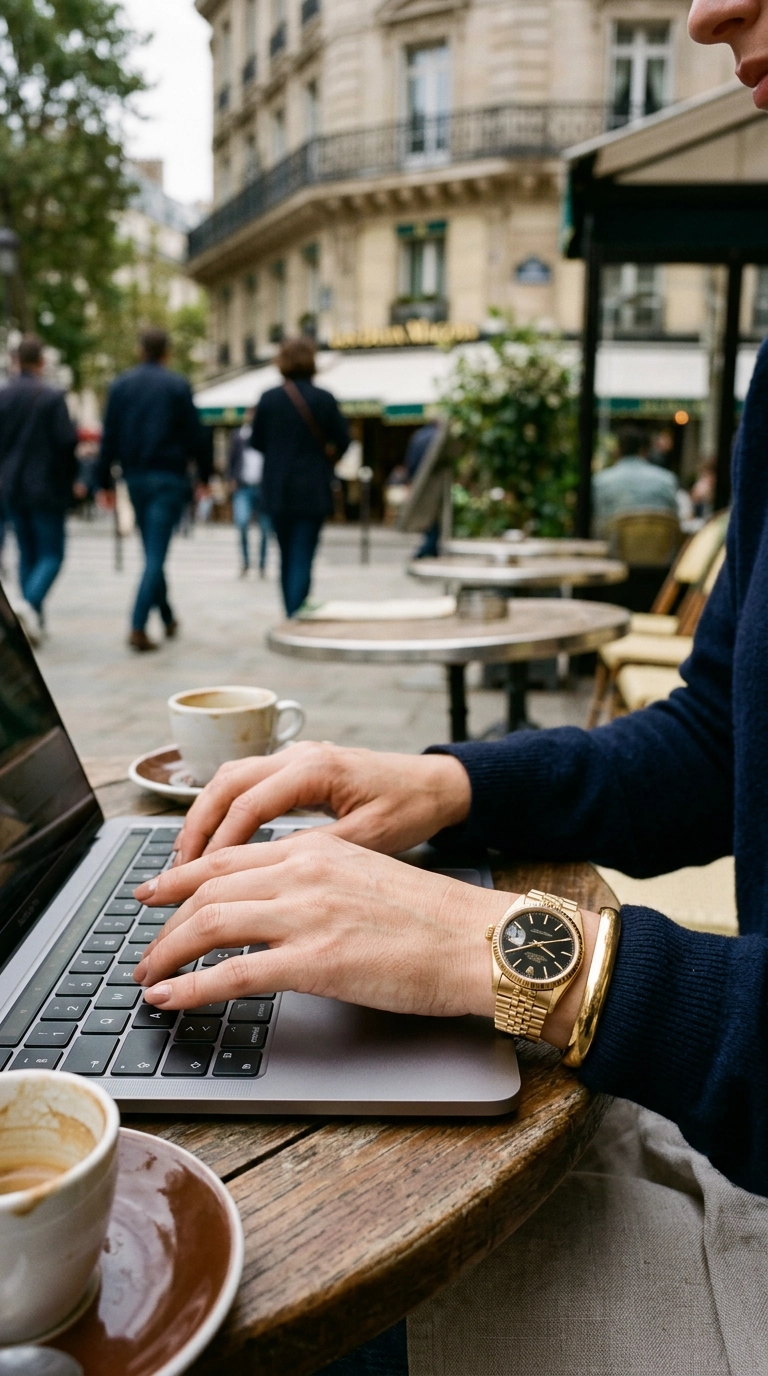
Fashion isn’t just about what people see; on a call, it’s also about what people hear. Bangles, heavy necklaces, or large earrings can clatter against your desk or brush against your microphone. This creates a harsh, disruptive sound that can drown out your voice and irritate listeners.
Choose “silent” accessories that provide visual interest without the acoustic baggage. Stud earrings, sleek hoops, or a single statement ring are perfect for adding personality without noise. Focus on high-quality materials like brushed gold or pearls that catch the light beautifully without creating a soundscape.
If you prefer a statement necklace, ensure it sits flat against your chest and doesn’t bounce as you speak. Test your jewelry by moving naturally while your microphone is on. If you hear a “clink,” it’s time to swap it for something more streamlined and quiet.
5. Camouflaging Yourself Against the Background
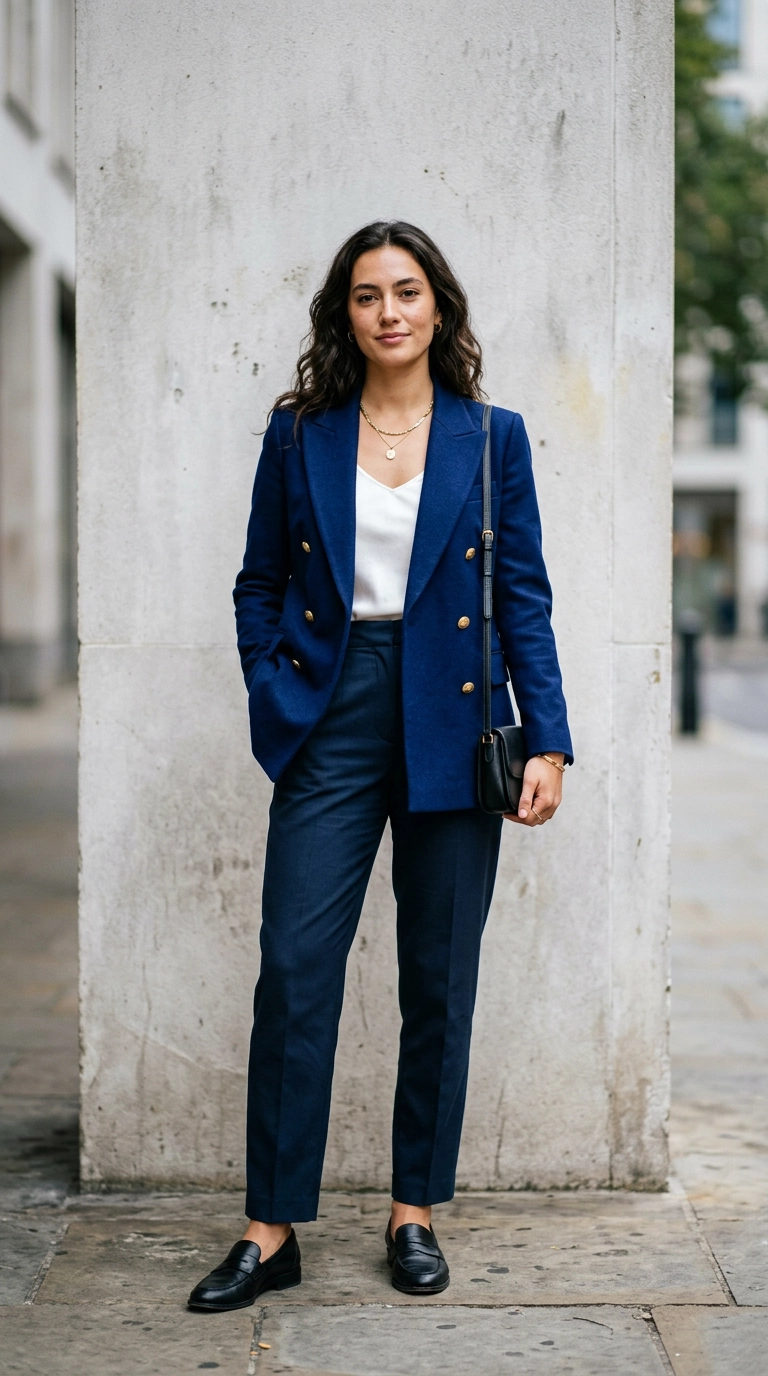
One of the most common mistakes is wearing a color that matches your home office walls too closely. If you have white walls and wear a white shirt, you risk looking like a “floating head” or fading into the scenery. You need a clear silhouette to maintain a commanding presence on screen.
Contrast is your best friend in the virtual world. If your background is light, wear dark or saturated tones; if your background is dark wood or navy, wear lighter shades like cream or soft blue. This separation creates depth and ensures you remain the focal point of the video frame.
Check your lighting before the meeting starts to see how your clothes react to the environment. Harsh shadows can make dark clothes look like a black void, while bright windows can wash out pastels. Adjust your position until you stand out clearly from the background elements behind you.
6. Choosing Fabrics That Wrinkle Under Pressure

High-definition webcams are surprisingly good at picking up every crease and fold in your clothing. Linen and certain light cottons might look breezy in person, but after twenty minutes of sitting, they look messy on camera. Wrinkles suggest a lack of attention to detail, which is the last thing you want to project.
Stick to fabrics with a bit of weight or natural elasticity that resist creasing throughout the day. Merino wool, heavy silk, and high-quality jersey blends are excellent choices for video calls. These materials drape beautifully and maintain a crisp, professional appearance from the morning huddle to the final sign-off.
The “Squeeze” Test for Virtual Fabrics
Before putting on a top, squeeze a handful of the fabric tightly for five seconds. If the wrinkles remain prominent when you let go, don’t wear it for a long meeting. If it bounces back smoothly, it is a “screen-safe” fabric that will keep you looking polished regardless of how much you move.
7. Scaling Your Jewelry for the Small Screen

Tiny, delicate jewelry often disappears on camera, appearing as nothing more than a faint glint or a smudge. Conversely, oversized “costume” jewelry can look heavy and disproportionate when the viewer is only seeing your head and shoulders. The scale of your accessories must be adjusted for the “medium shot” of a webcam.
Medium-sized sculptural pieces tend to work best because they are visible without being overwhelming. Think of your jewelry as a frame for your face rather than a separate statement. A pair of elegant gold hoops or a modern link necklace provides just enough shine to brighten your complexion without distracting from your eyes.
Avoid highly reflective surfaces that might catch the glare of your ring light or monitor. Matte finishes or brushed metals are much more flattering and less likely to cause a “strobe” effect on the screen. Balance is key: let your jewelry enhance your features, not compete with your message.
Mastering the art of the Zoom call outfit is about blending comfort with a high-fashion sensibility that translates through a lens. By avoiding these seven common mistakes, you ensure that your professional image remains sharp, focused, and undeniably chic in every digital interaction.